Digital printing · From a single copy
Print-on-demand book printing
Print the copies you need, when you need them. Bring your own book files or create a cover and interior with PRNT—then keep your project and order details in one account.
Calculate printing & shippingThe printing method
What is digital print on demand?
Print on demand means your books are produced for an order rather than printed in a large batch in advance. Digital presses print directly from prepared files without the plate setup of offset printing, making small runs and repeat orders practical.
Digital book printing is a flexible option for self-published novels, memoirs, journals, workbooks and illustrated books. Order a single copy or a larger quantity without committing to a wholesale inventory. Paper, binding and color options come from the supported product catalog; not every combination is available.
Print on demand helps you test a new title, replenish copies as needed and avoid storing a large batch. It does not automatically mean the lowest per-copy price: compare a live digital printing quote with a wholesale quote if you expect a larger, predictable run.
Your book, your way
Supported book formats
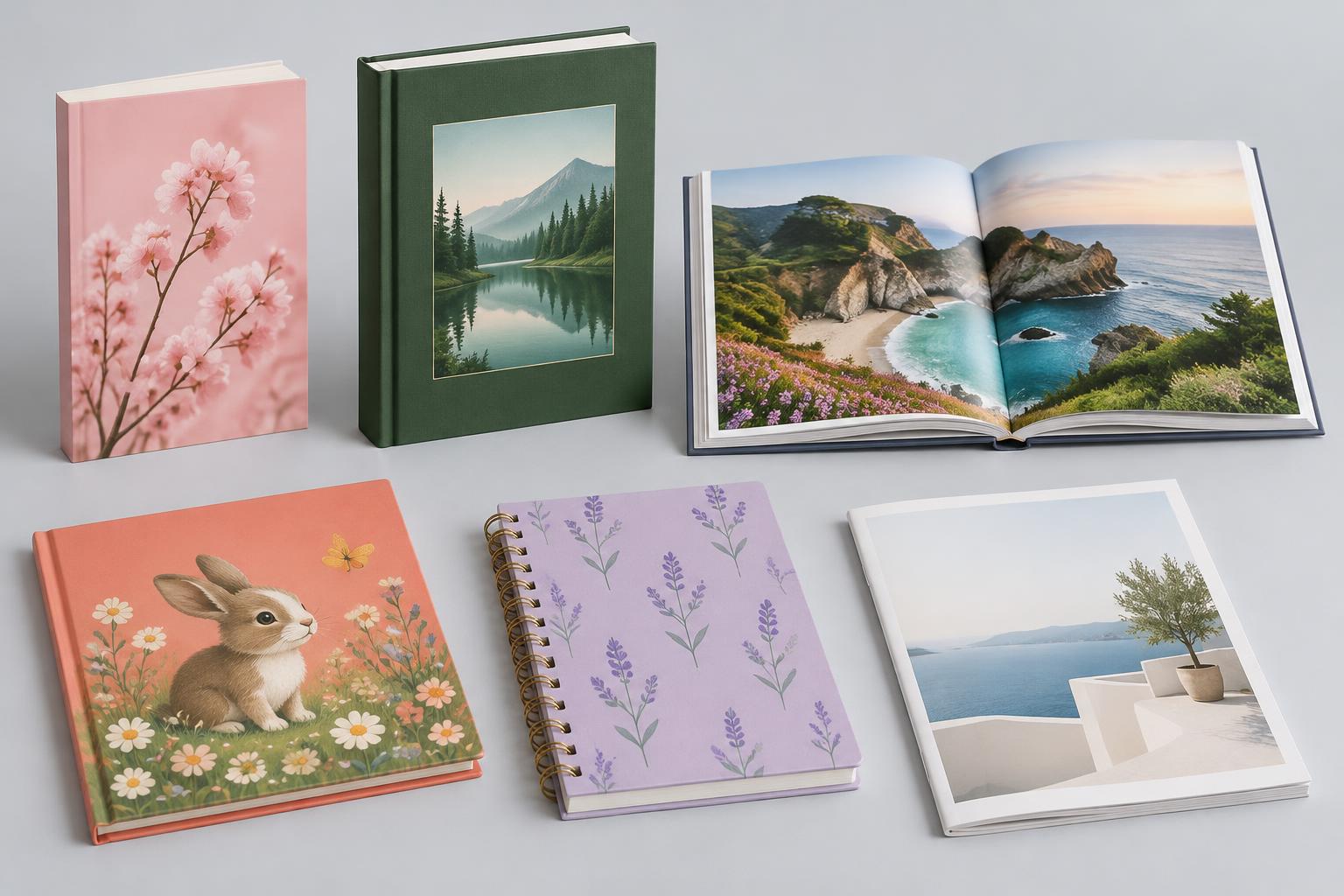
Choose from supported paperback, hardcover, photo-book, journal and other formats in the calculator. Your trim size, page count, paper and color choices determine the combinations you can print.
Your files or optional AI
Print your own professionally prepared PDFs without buying a design service. Or use PRNT to design a cover and format a manuscript, then save both under the same book project. Creation and printing are separate choices.
One copy or repeat runs
Start small, review a copy before committing to a larger order, and order again as your needs change. Printing and shipping charges depend on the chosen specifications, quantity and address.
From file to finished book
How to print your book with PRNT
- 1
Choose your book & calculate printing
Select the supported binding, trim size, paper, black-and-white or color interior, page count and quantity. Add your delivery address to request current printing and shipping prices and choose a shipping service. Available combinations depend on your book specifications.
- 2
Keep everything in one account
Choose Order now and sign in or create your account. Your selected specifications are saved in a new book project, so you can continue preparing your files without starting again. This step saves your project; it does not charge you or start production.
- 3
Upload your files—or create them with PRNT
Already have print-ready files? Upload your own interior and cover PDFs without purchasing our AI services. Need help creating them? Use the optional Cover Creator or Interior Creator within the same project. You can also use PRNT’s creation services without ordering printed books.
- 4
Review & request printing
Upload both PDFs, check the contents and confirm the book specifications and shipping choice. Submit a print order request from your project. File suitability is checked before production; a saved project or request is not itself a paid, confirmed production order.
- 5
Print, ship & follow your order
Digital printing produces the ordered copies without requiring a bulk offset run. Your account’s Orders tab shows the recorded order status and estimated delivery when available from the printing service. Delivery estimates are not guarantees and depend on production, destination and shipping service.
Prepare your book files
Good book printing begins with files matched to your exact format. Confirm the final page count before preparing the cover: paper and page count affect spine width.
- Interior: one PDF containing every interior page in reading order, including any blank pages—not reader spreads.
- Cover: a separate, single-page full-wrap PDF with back cover, spine and front cover sized for the selected book.
- Use high-resolution images (aim for 300 PPI at printed size), embedded fonts, safe margins and the required bleed for edge-to-edge artwork.
- Follow the selected digital product’s template and color-profile instructions. Digital and offset production can require different export settings.
- Review spelling, page order, copyright permissions and artwork before approval. An on-screen view is not a guarantee of an exact printed color match.
Questions & order updates
Your account keeps Projects, Orders and Account info together. See your recorded order status and the printing service’s estimated delivery date in Orders when available.
Need help with file preparation, paper choices or an existing order? Email our team with your project title and order reference. In-account order chat is not available yet; email is the current way to ask questions and request updates.
Ask the PRNT teamEstimated delivery requires an available live printing connection. Status records are not a live carrier-tracking feed; contact the team for shipment questions.
Start your next book
Choose a format, then bring your files or create them with PRNT.