
Print on demand integrations
Sell your books on your own website. Our print integrations do the rest.
PRNT integrations link your online store to your print-ready projects. Set your markup once, then every sale is printed on demand and shipped straight to your customer — no boxes in your garage, no upfront printing.

No inventory or upfront print runs
Sell from 1 copy
You set your own retail price
Orders picked up automatically
Tracking sent back to your store
Books, journals, comics and calendars
What our print-on-demand integrations do
An integration is a standing link between your store and one of your PRNT projects. Once it is connected, three things run on their own.
Product sync
Your book, journal or calendar becomes a real product on your store with your price, a SKU and your description. Update your markup in PRNT and re-publish, and the store price follows.
Order capture
When someone buys, the integration picks the order up from your store and turns it into a PRNT print order at our live price — printing, shipping and tax — charged to your saved card.
Status and tracking
Print status, delivery estimates and any file problems come back through the integration, and tracking reaches your store the moment your order ships.
Integrations for the store you already use
Every integration is connected inside your PRNT portal and takes a few minutes. Where the keys come from, and how often orders arrive, is spelled out on each card.
WooCommerce
Available now
Orders arrive instantly.
Squarespace
Available now
Orders are picked up every 15 minutes. Requires a Commerce plan.
Shopify
Coming soon
One-click connection.
Any website
Coming soon
A copy-and-paste buy button.
How easy it is to set up your integrations
These are real screens from the PRNT customer portal.
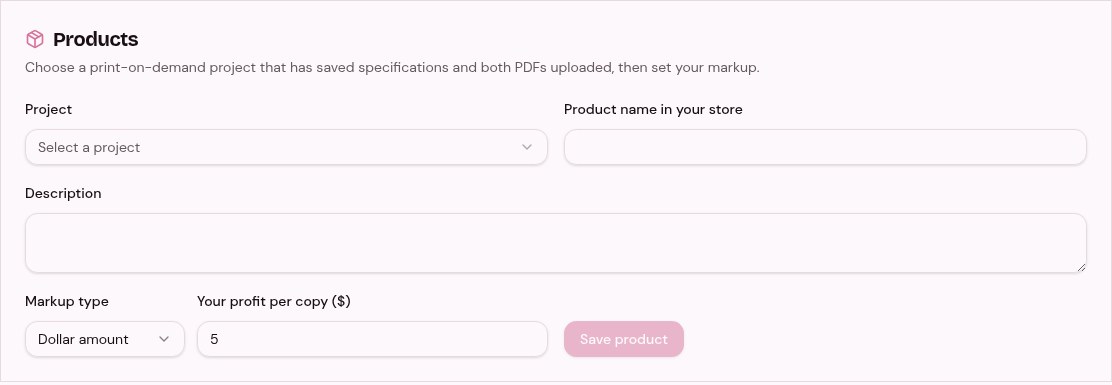
1. Turn your book into a product
Pick a print-ready project with your cover and interior PDFs saved. PRNT pulls a live printing price, then you set your profit as a dollar amount or a percentage. You see your cost, your profit and a suggested store price before you publish.
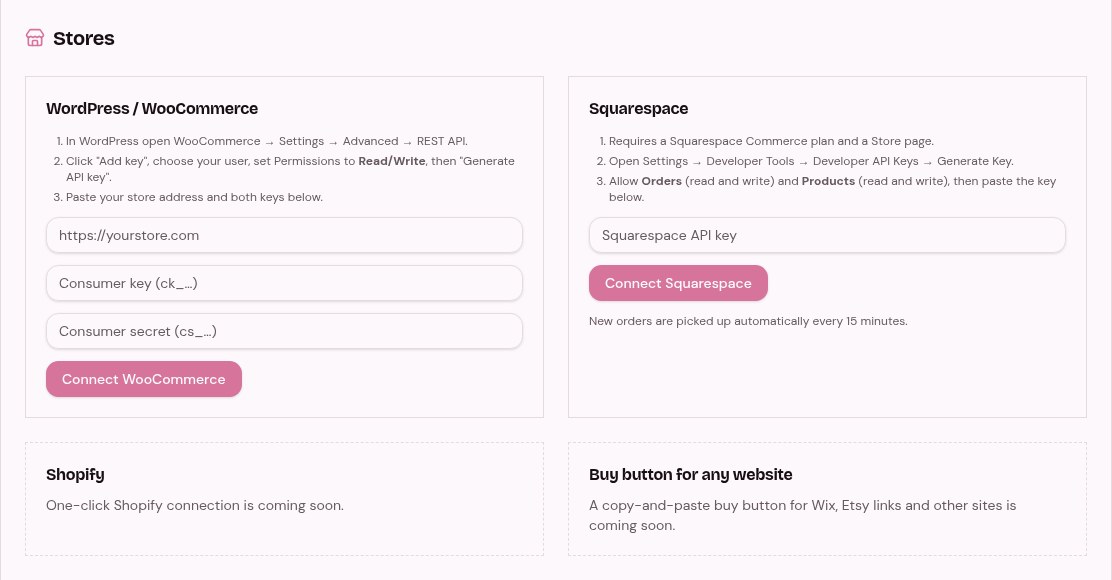
2. Connect your store in minutes
Paste your WooCommerce keys or your Squarespace API key. We show you exactly where to find them. Then publish your book to your store with one click. The product, price and SKU are created for you.
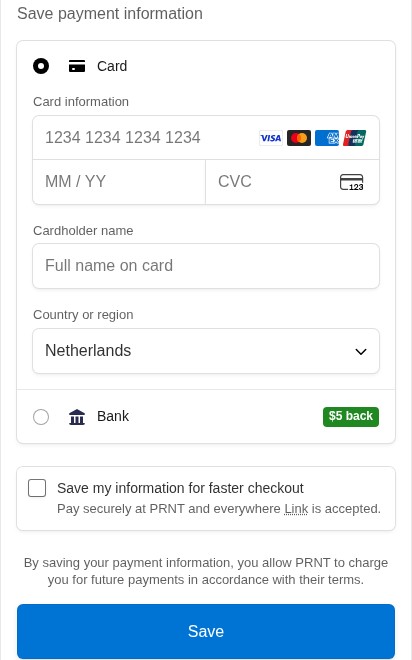
3. Save a billing card once
Add a card through our secure checkout. When a sale comes in, we charge only PRNT’s price for that order (printing, shipping and tax). Your profit stays with you, because your shopper pays you directly on your store.
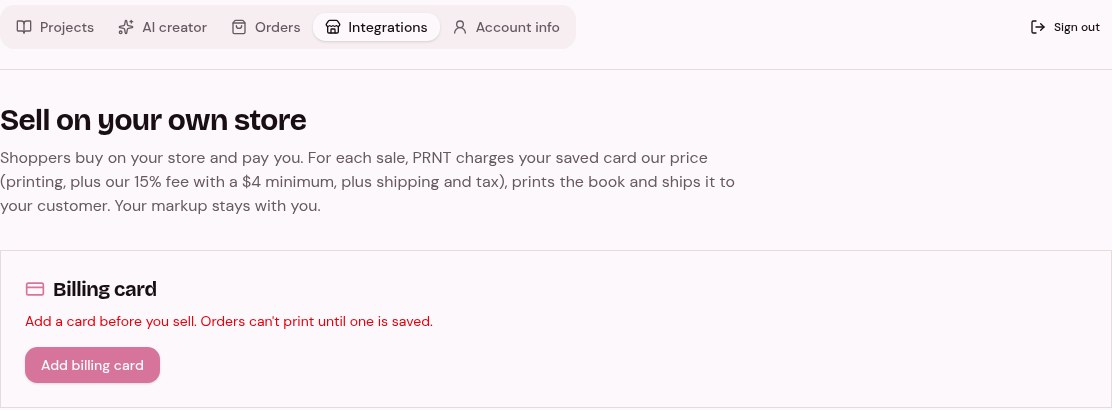
4. We print, ship and update your store
Every new order is picked up automatically, printed on demand and shipped straight to your customer. Your sales list shows each order’s status and any file problems. Tracking is sent back to your store when it ships.
How the money works with your integrations
Your shopper pays you on your own store, and the integration bills you only what printing costs. Nothing else passes through PRNT.
Your shopper pays you
They check out on your store at the price you set, plus the shipping you charge.
PRNT does our thing
Your order goes straight to the print-on-demand press, and we stay on the line with it. You get live order status, production updates and delivery estimates in your portal, tracking pushed back to your store the moment it ships, and a clear message on the order if a file needs you before printing.
You keep the difference
Your markup is your profit, and it never passes through PRNT.