
From artwork to approved files
Wholesale book file prep checklist
Give your book the best start on press. Use this checklist to prepare your interior and cover PDFs for high-quality wholesale offset printing, whether you bring your own files or create them with PRNT.
Your project template comes first
The measurements below are preparation guidelines, not universal production requirements. Binding, stock, cover construction and special finishes can change the setup. Follow the template and file instructions confirmed by the PRNT team for your quoted book. Print-on-demand files may require different settings.
- 1
Confirm the book specifications first
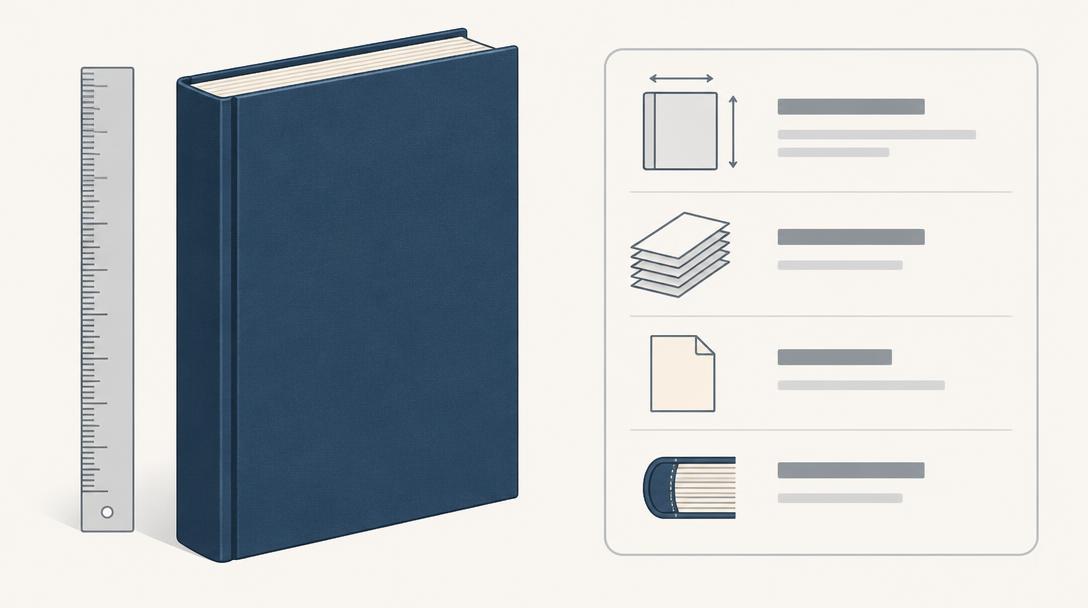
Finalize the trim size, binding, paper, interior color and total page count—including blank pages. These specifications determine the interior layout, spine width and cover construction. Ask the PRNT team for the correct template before preparing your final cover.
- The PDF page size matches the quoted trim size and required bleed.
- The final page count matches your quote and cover template.
- The selected binding works with your page count and paper.
- 2
Add bleed and keep content inside safe margins
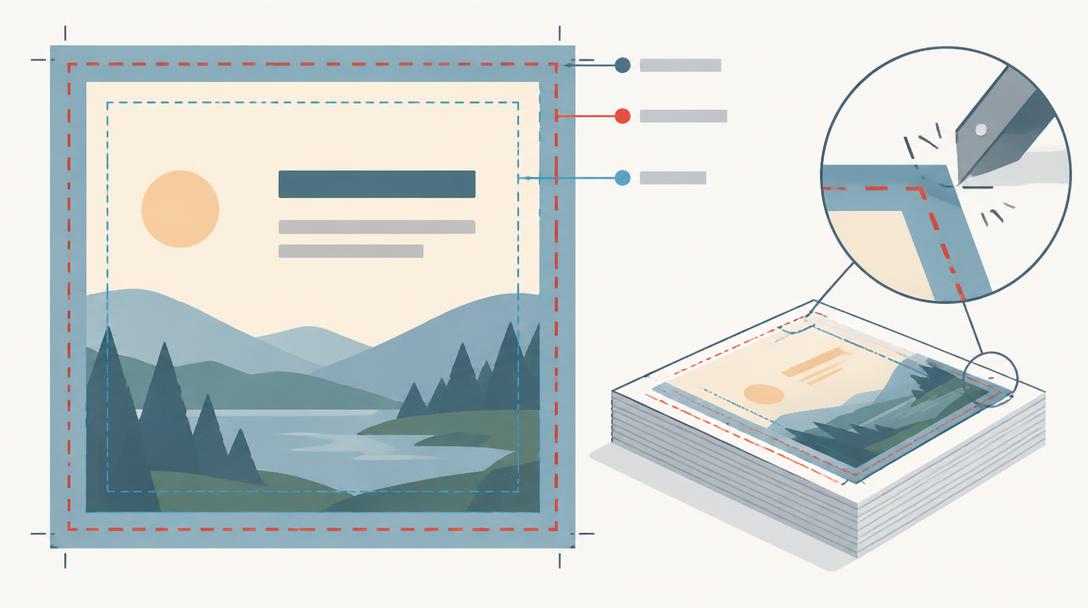
Bleed is artwork extending beyond the trim line so cutting does not leave a white edge. A common starting point for interior pages and softcover artwork is 3 mm (about 0.125 in) beyond each trimmed edge. Keep essential text and images at least 10 mm (about 0.4 in) inside trim as general book-layout guidance.
- Backgrounds and edge-to-edge images extend through the bleed area.
- Perfect-bound interiors allow extra gutter space; 14 mm (about 0.55 in) is a useful starting point.
- For spiral or Wire-O, allow about 15 mm (0.6 in) on the punched edge, then check the template.
- 3
Check images at their final printed size
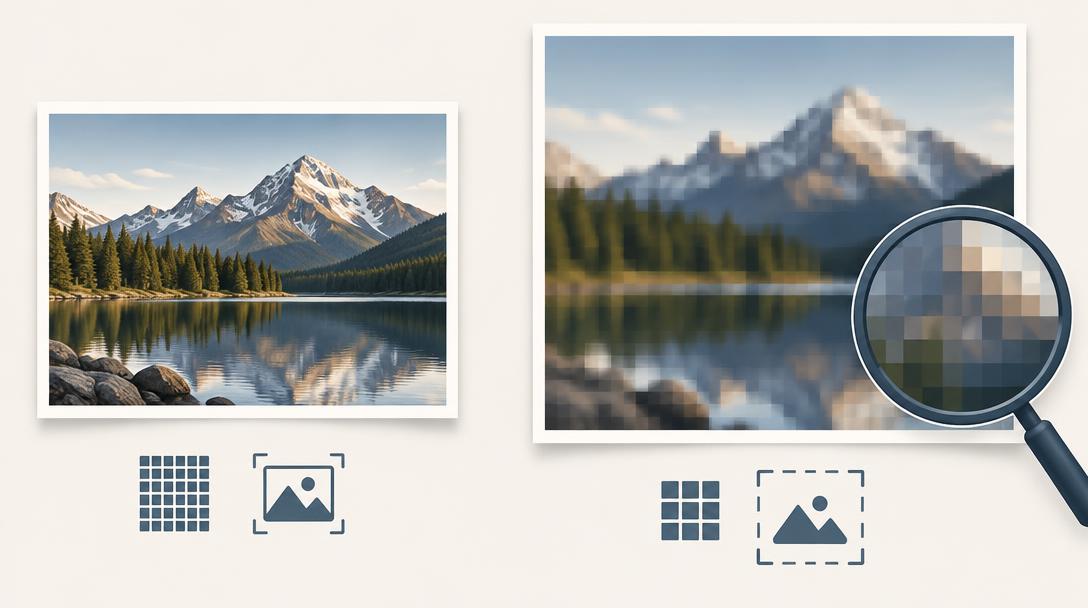
Aim for 300 PPI for photographs and other raster images at the size they appear in the book. A small image enlarged across a page can become blurry even when its file properties say 300 PPI. Increasing a resolution setting alone does not restore missing detail.
- Inspect effective resolution after cropping and scaling.
- Use original high-resolution artwork instead of screenshots or compressed web images.
- Zoom in on the exported PDF to check image quality, fine lines and small lettering.
- 4
Prepare color for offset printing
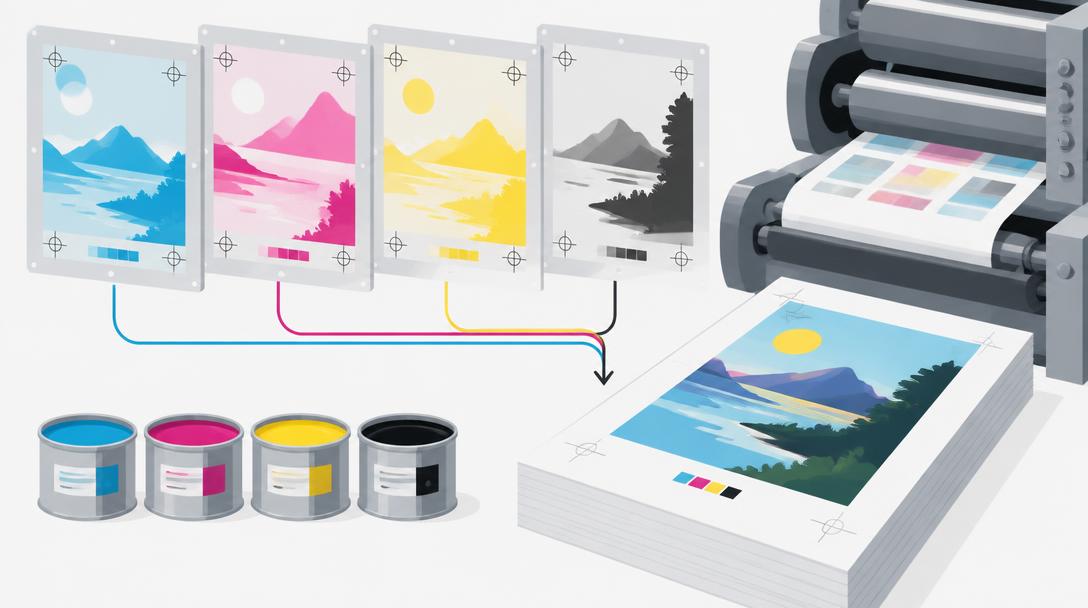
Prepare wholesale offset artwork for CMYK production. Ask the team which output profile and export settings apply to your chosen paper and print run; there is no single profile suitable for every book. RGB-to-CMYK conversion can change bright colors, and spot colors or specialty inks must be agreed as part of the quote.
- The color setup follows your project-specific instructions.
- Black text and rich black backgrounds use the team’s recommended settings.
- Review color-critical work with the team; a screen cannot guarantee the printed result.
- 5
Export and inspect the interior PDF
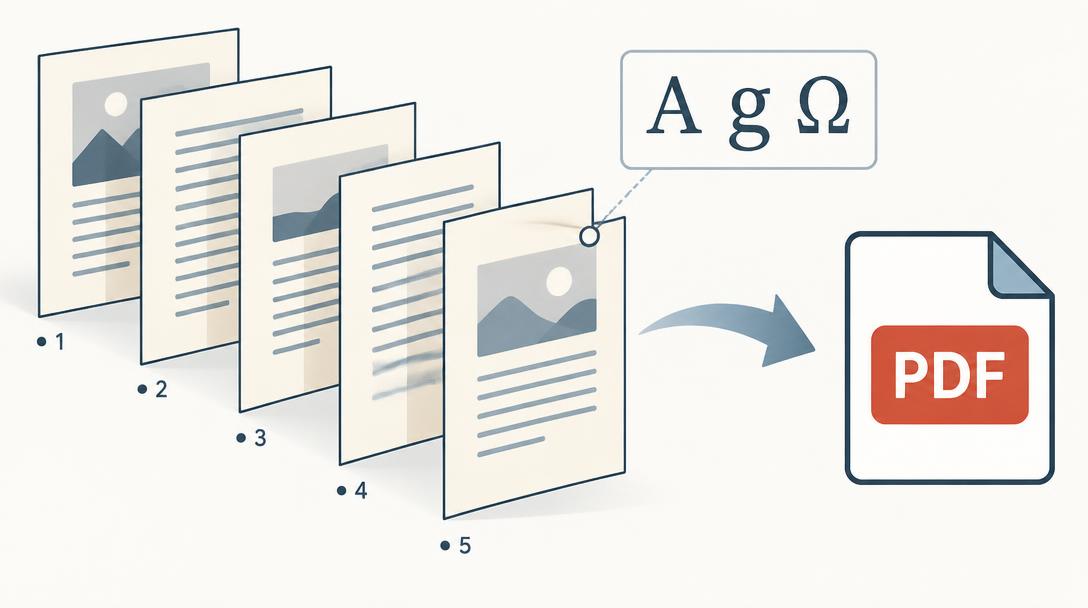
Supply one interior PDF with individual pages in reading order, including intentional blank pages—not imposed printer spreads. Embed the fonts so type does not change on another system. Follow the team’s PDF export instructions rather than assuming one preset is right for every project.
- Every page is present, in order and the correct size.
- Fonts are embedded and no text or artwork is missing or substituted.
- Chapter openings, page numbers, contents, captions and blank pages are correct.
- 6
Build the cover from the correct template
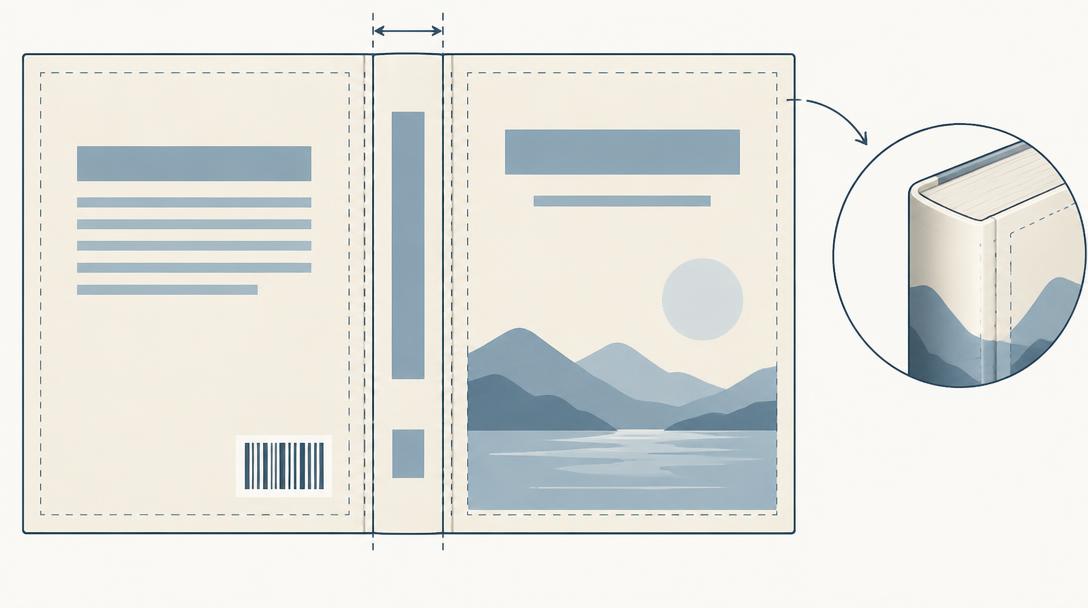
For a standard paperback, supply a separate full-wrap cover PDF with the back, spine and front positioned on the approved template. Spine width depends on the final page count, paper and construction. Hardcover case wraps need extra material to turn around the boards: 20 mm (about 0.79 in) on all sides is a common reference, not a substitute for your template.
- Cover dimensions and spine width match the final interior.
- Spine lettering, barcodes and important artwork stay inside the marked safe areas.
- Dust jackets, cloth or leather covers, foil, embossing and other special finishes follow separate team-approved artwork instructions.
- 7
Review the proof before approving production
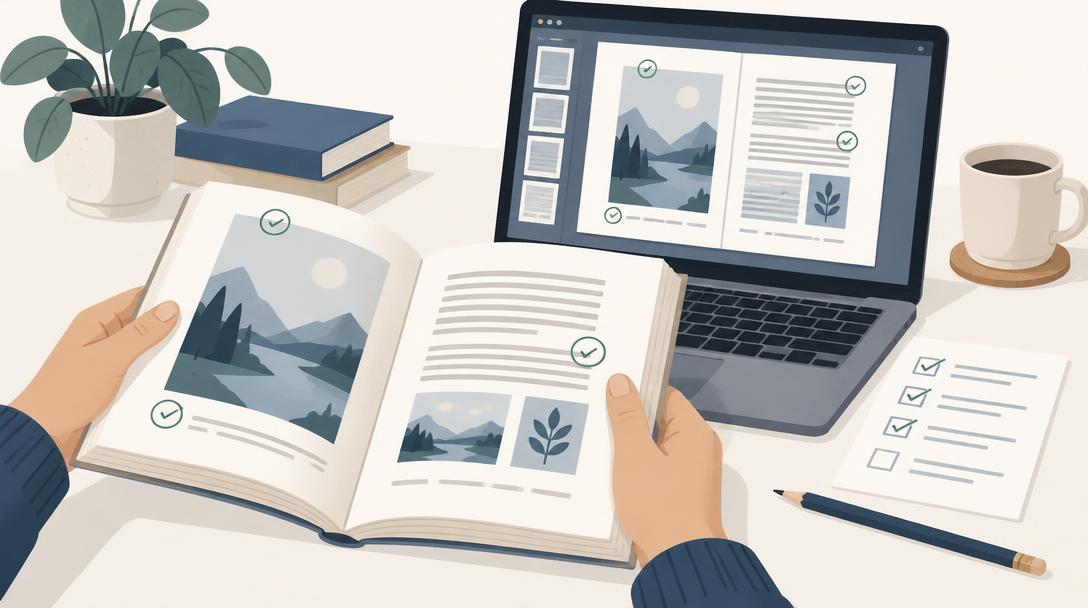
Check spelling, page order, placement, cropping, cover alignment and permissions to reproduce all text and artwork. Technical file review is not proofreading. Resolve any changes with the team before approving the final files; a PDF proof does not reproduce the exact color, paper texture or finish of a physical book.
- Review the exported PDFs—not just the original design files.
- Confirm any corrections are included in the final proof.
- Approve the files and quote before the 50% deposit starts wholesale production.